How many photos?
A standard slideshow includes 45 photos. You may add additional photos for a small extra fee per picture. For detailed information about pricing, click here.
How to send us your photos
Hard Copies (Printed Photos)
- If you live close to our area, we can professionally scan your photos at no additional cost.
- If your slideshow is for a memorial service held by Grimes Funeral Homes, you may drop off your photos at their front desk, and we will pick them up.
Digital photos
Digital photos can be submitted in several ways. Please make sure all photos are sent in their original size, preferably high resolution, whenever possible.
File sharing
We welcome file-sharing services such as Dropbox, Google Drive, iCloud, and others.
Please use this email address to share your photos with us:
photos@hillcountrymemories.com
When sending photos by e-mail, always select the highest resolution available. To help ensure successful delivery and avoid missing files, we recommend the following:
- Attach up to 5 photos per email message.
- Number your messages in the subject line, for example:
“Dad’s Pictures 1”, “Dad’s Pictures 2”, and so on. - Let us know the total number of photos you are sending, so we can confirm that all files were received.
- Recommended (but not required):
If several people are contributing photos, consider designating one person to gather and send all images together. Using a single source helps avoid duplicates or omissions and can significantly speed up the production process—especially when a slideshow is needed promptly.
Text Messages
Sending photos via text message is not recommended, as it reduces image quality. However, we understand that some people prefer this method. Please contact us, and we will provide our phone number if needed.
Photos taken with smart phones
If you choose to photograph printed photos with your smartphone, please follow these guidelines to ensure the best possible results. Properly taken photos will appear sharper, well-focused, and free of distracting elements.
- Place the photo on a flat surface rather than holding it with your fingers. This helps prevent blurriness and avoids fingers accidentally appearing in the photo.
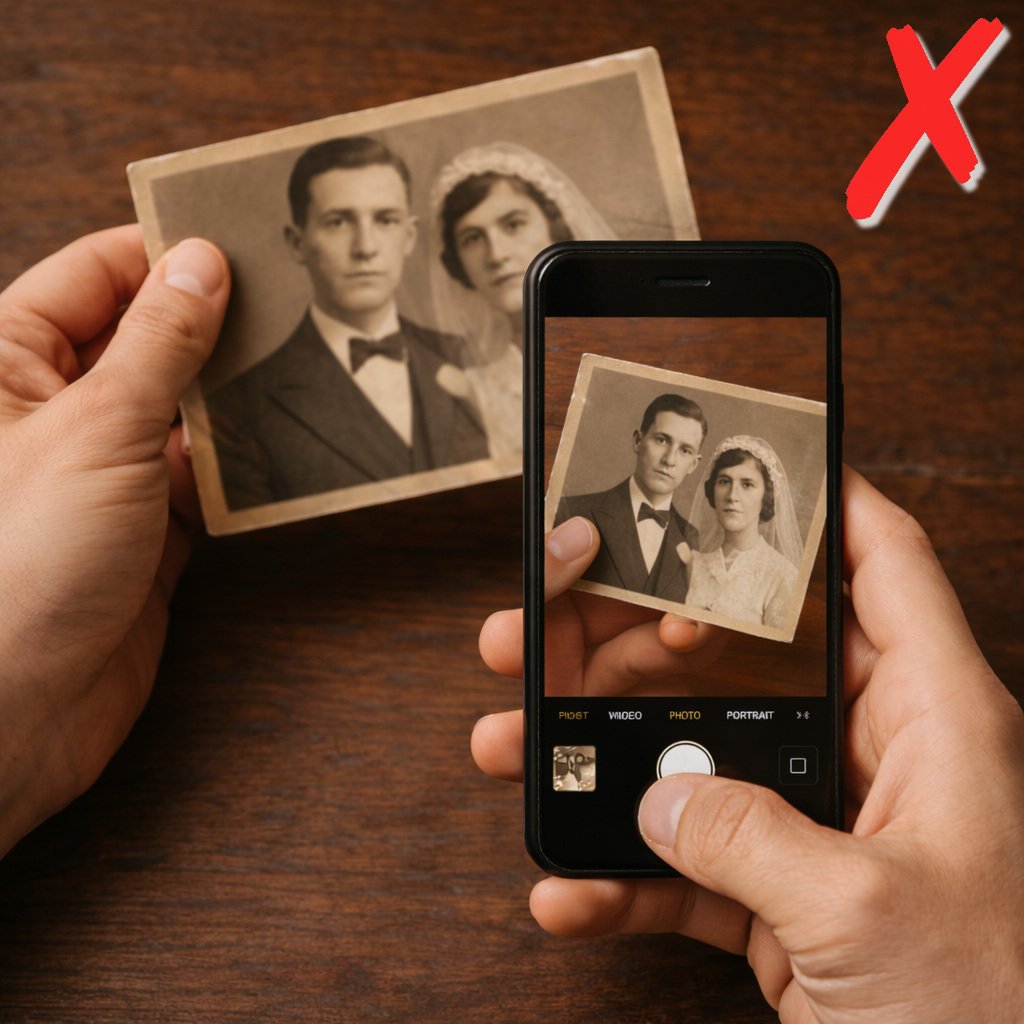
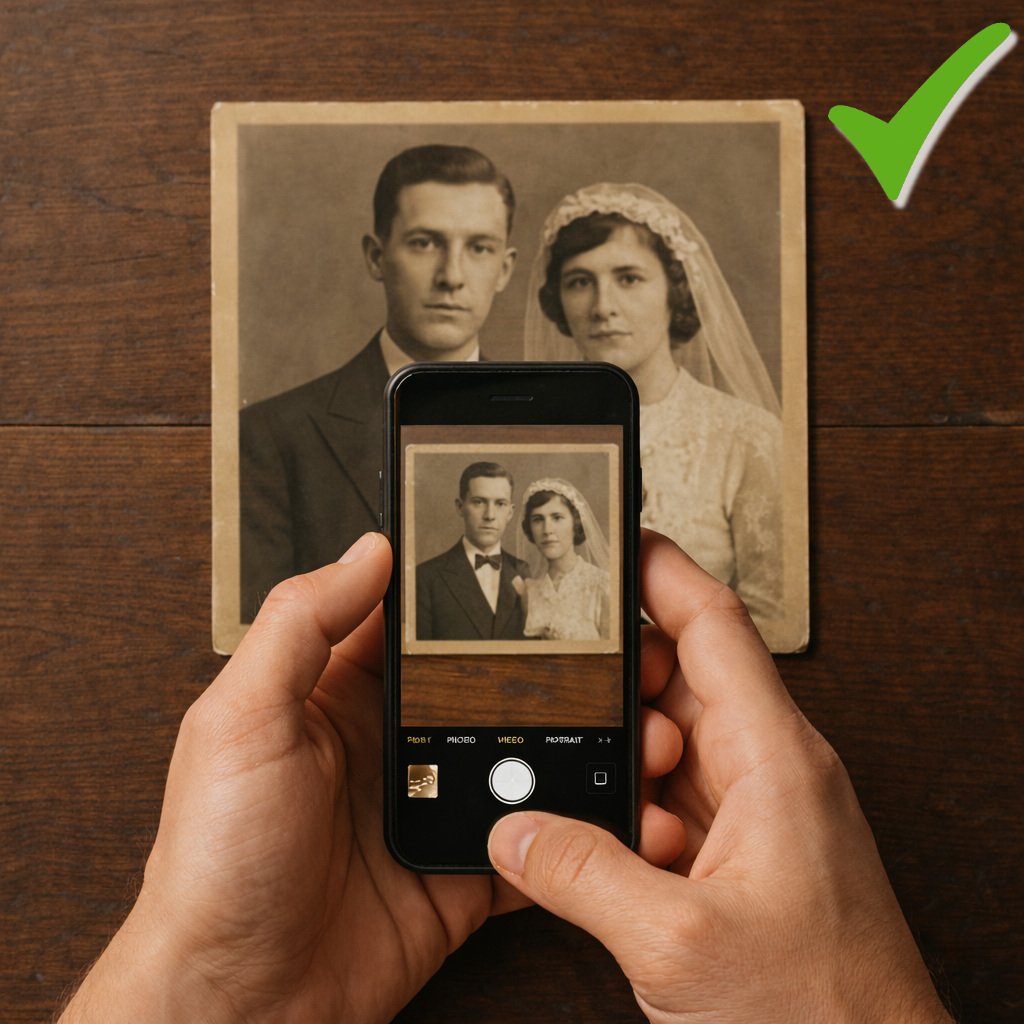
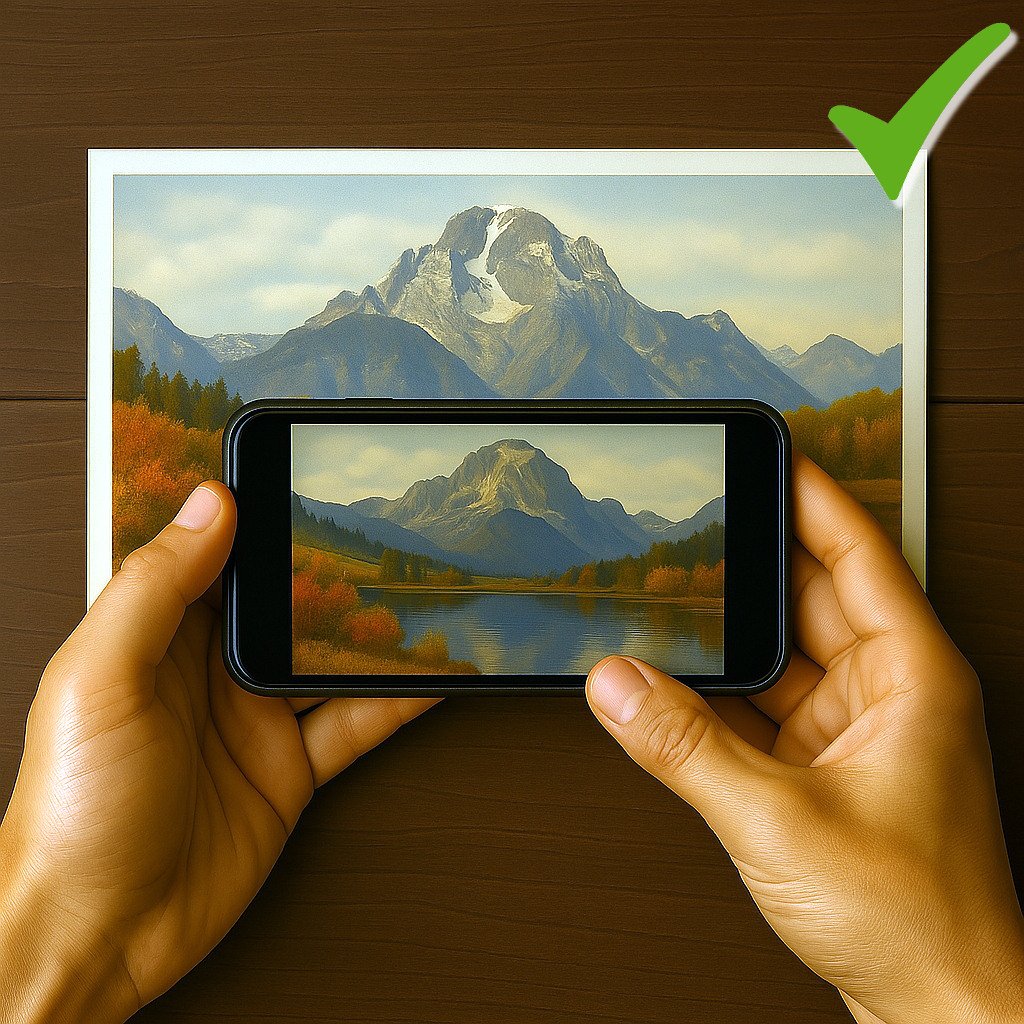
- Make sure the entire photo is visible in the frame, without cropping any edges. If the printed photo is horizontal or square, rotate your phone and capture it in landscape mode.

- Avoid using the flash, as it can cause glare or reflections on the photo surface.
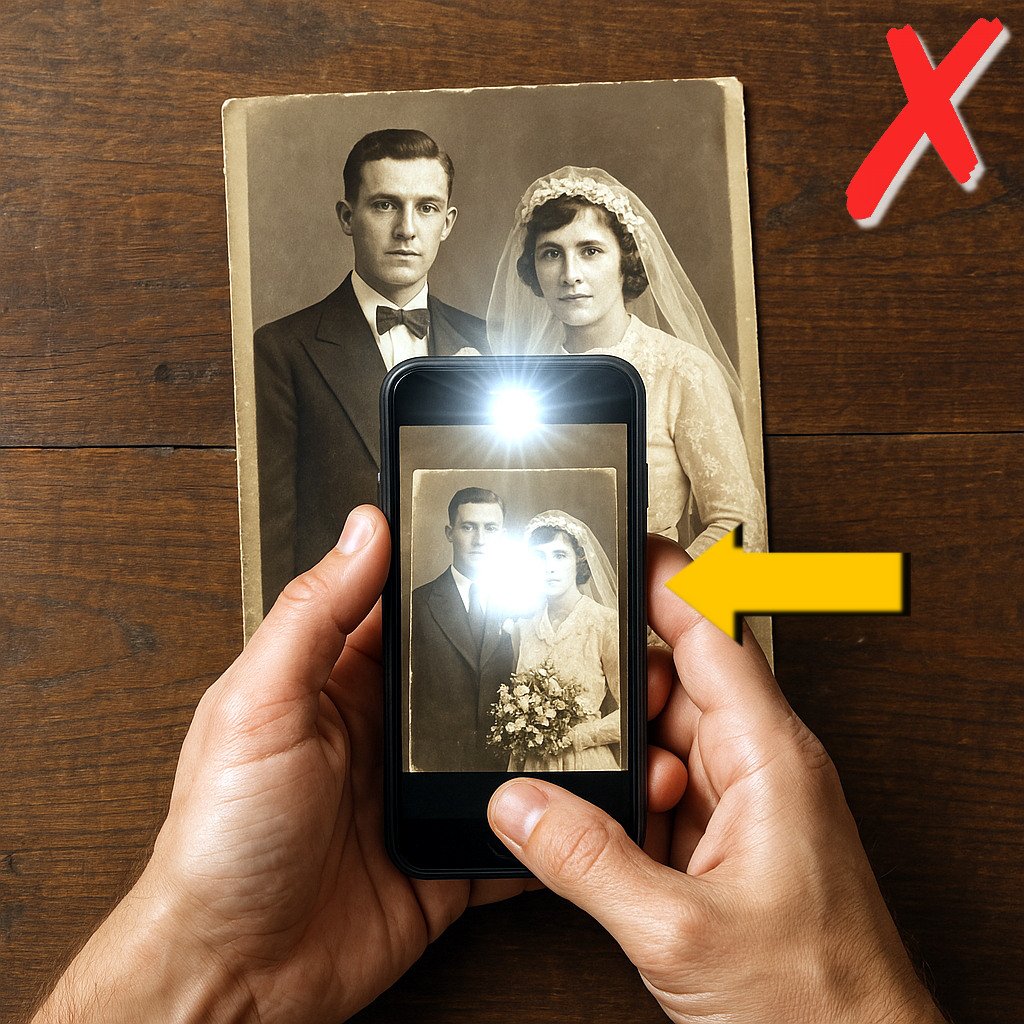
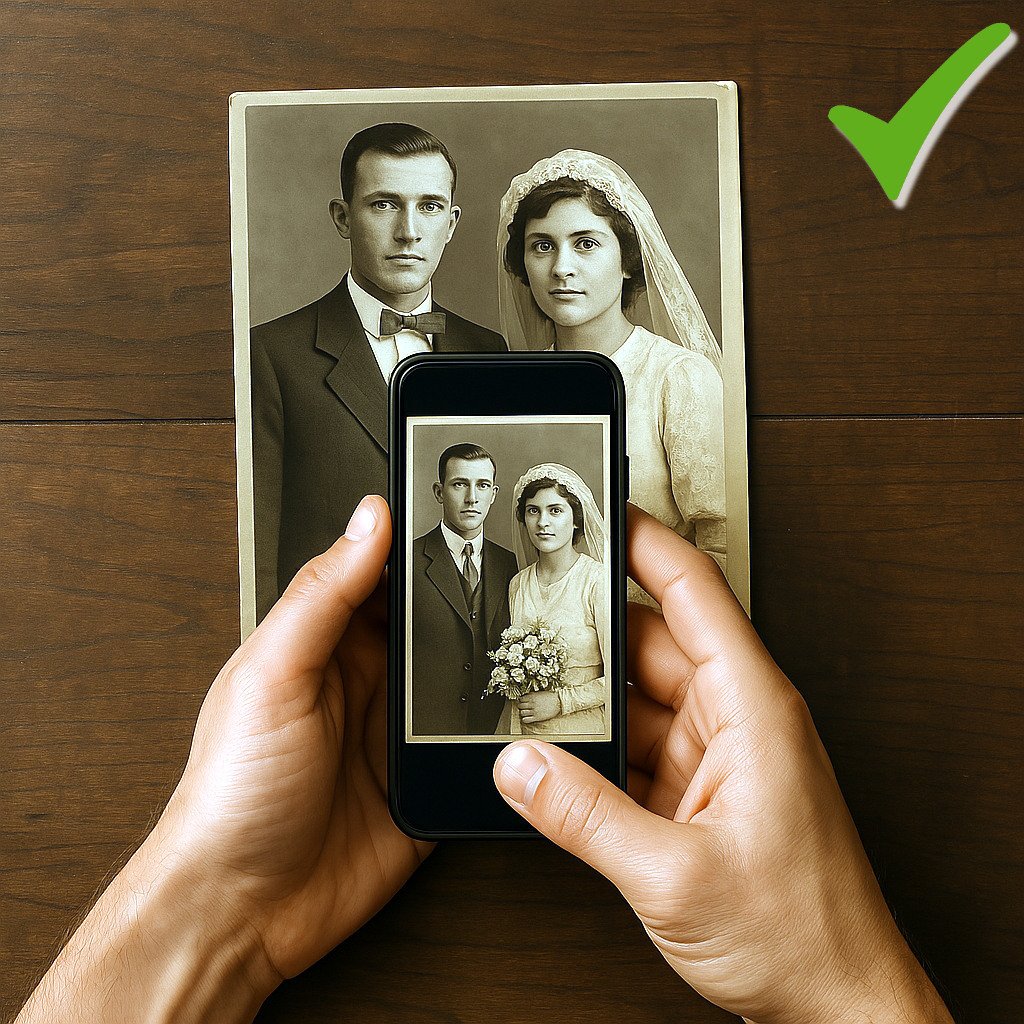
- Be careful not to cast shadows on the photo, whether from your phone or your body.
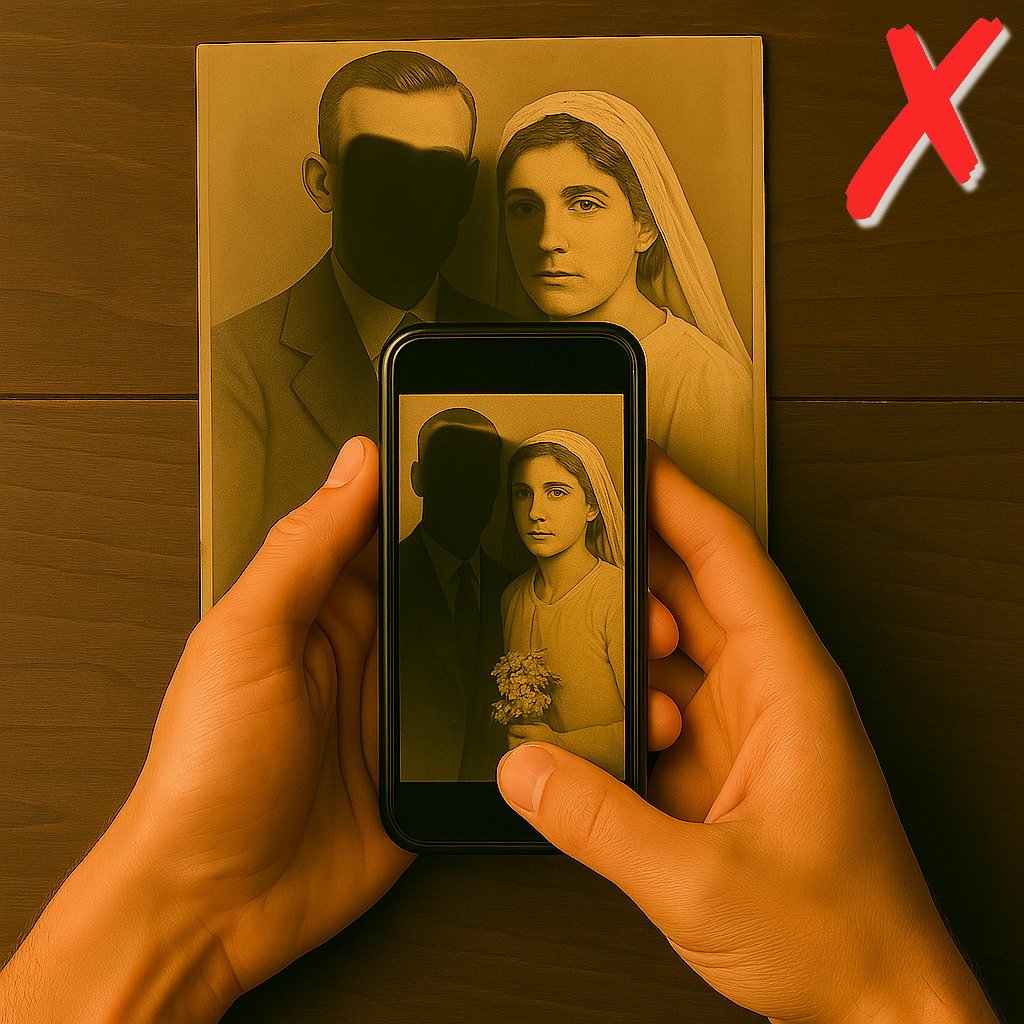
- Keep your phone level and parallel to the photo to prevent tilted or distorted images.
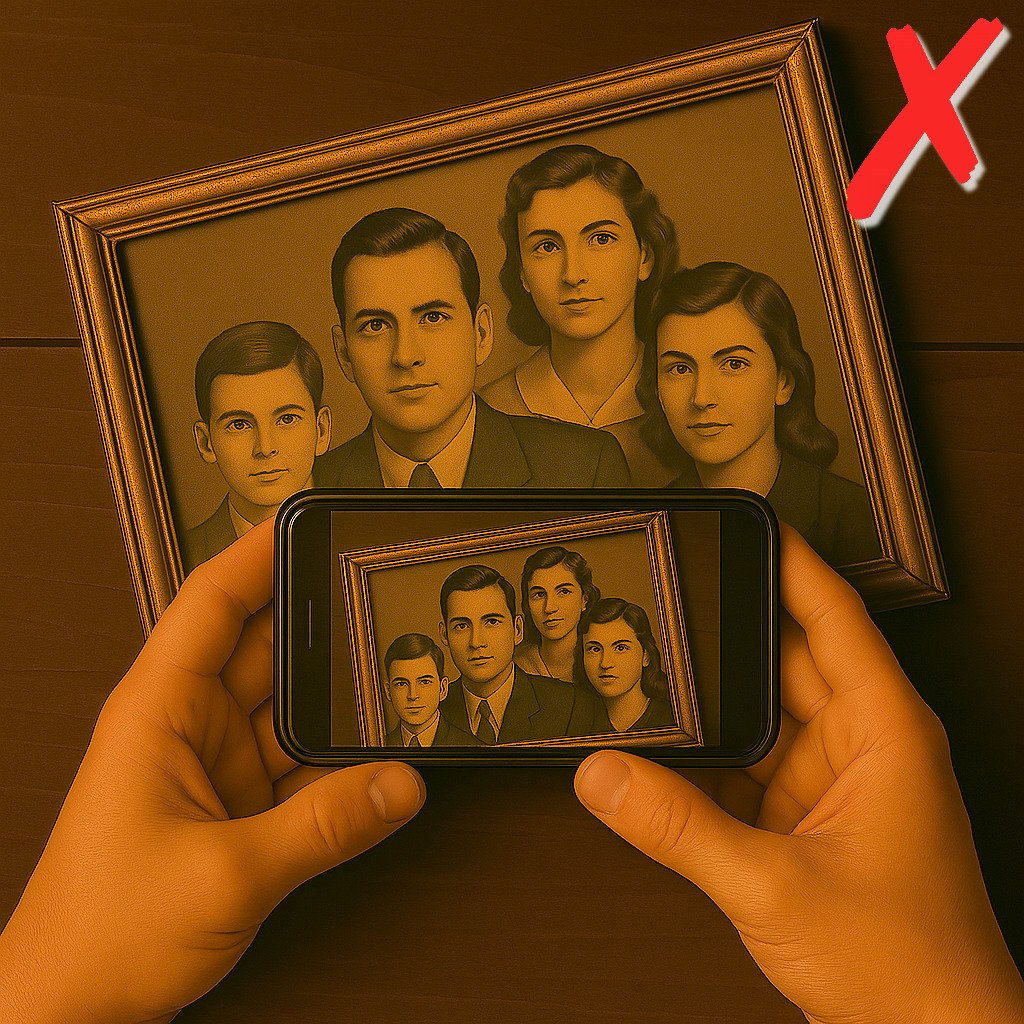
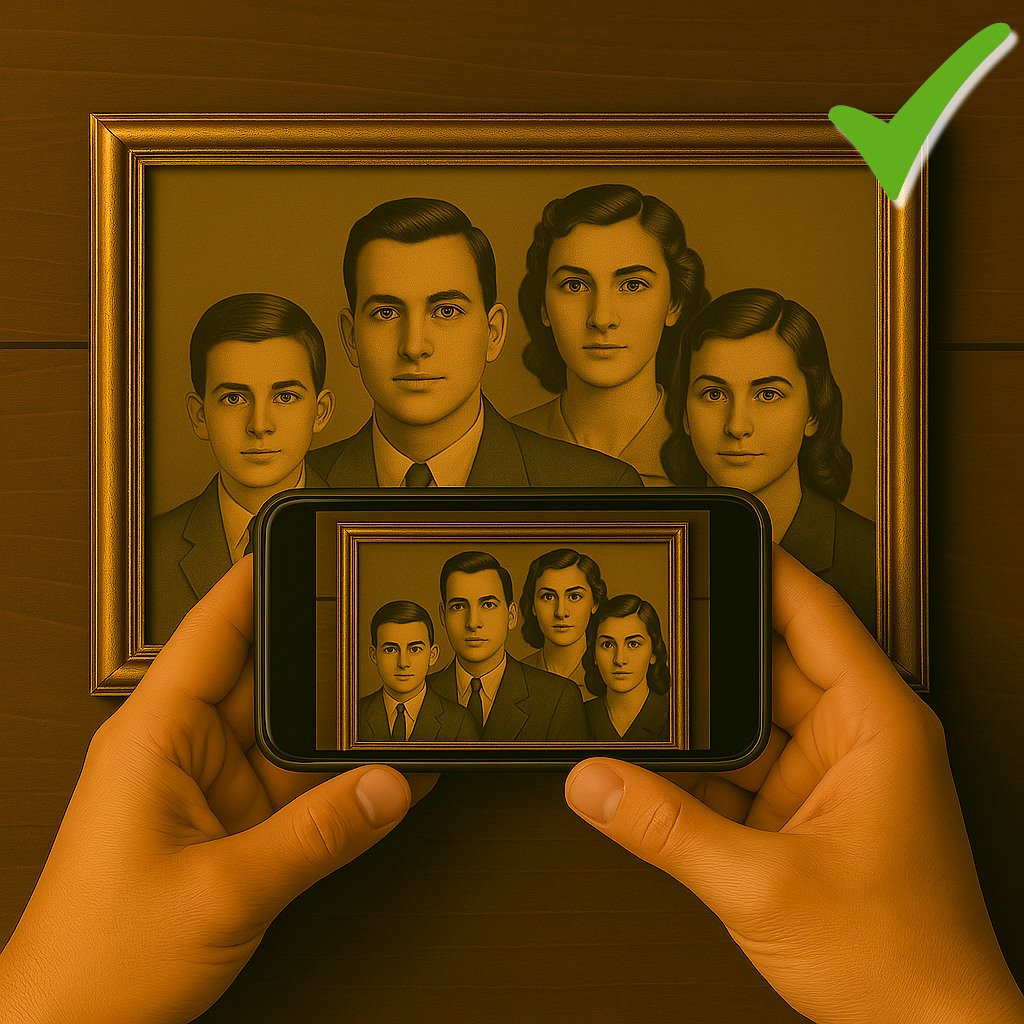
Photo Restoration
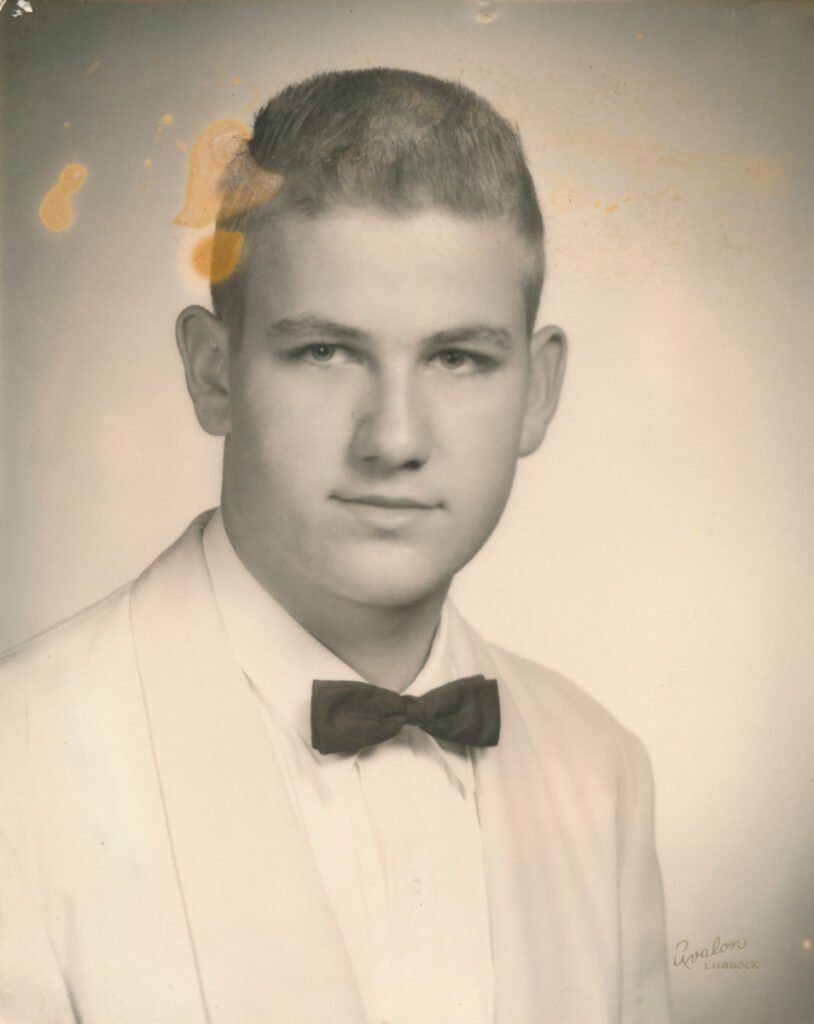
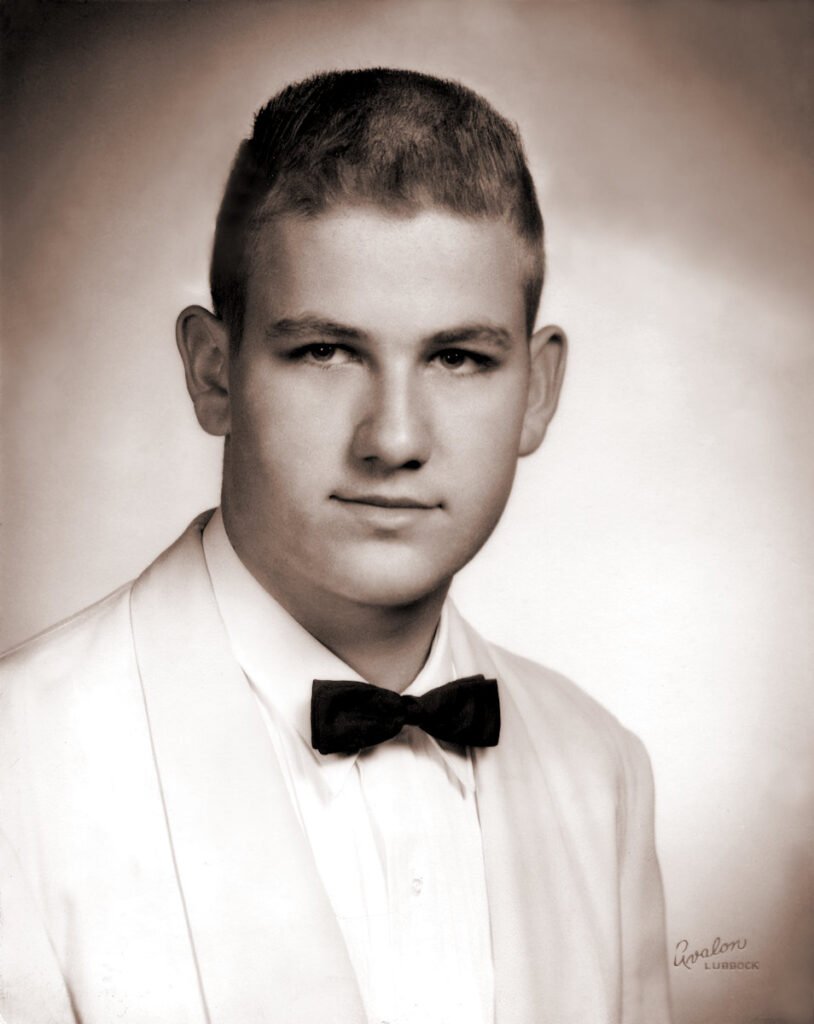
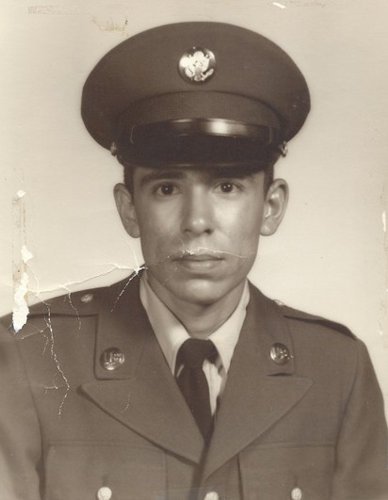
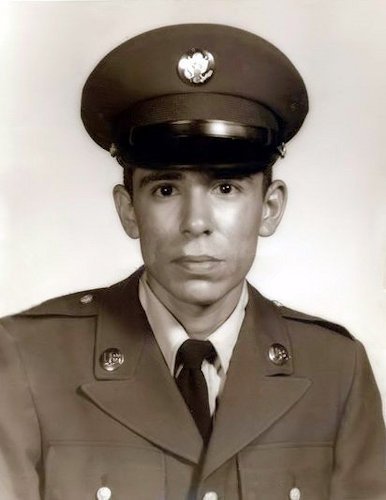
Because we believe your slideshow should truly shine, we take special care with each and every photo. We digitally enhance images that need restoration, whether they are old photos affected by scratches, speckles, dust, stains, or fading, or newer digital photos that are underexposed, overexposed, poorly framed, or even too small.
Our goal is to bring your photos back to life, so they can become a bright and meaningful part of your story.
Below are some examples of how we are able to restore and enhance your photos using state-of-the-art software: